

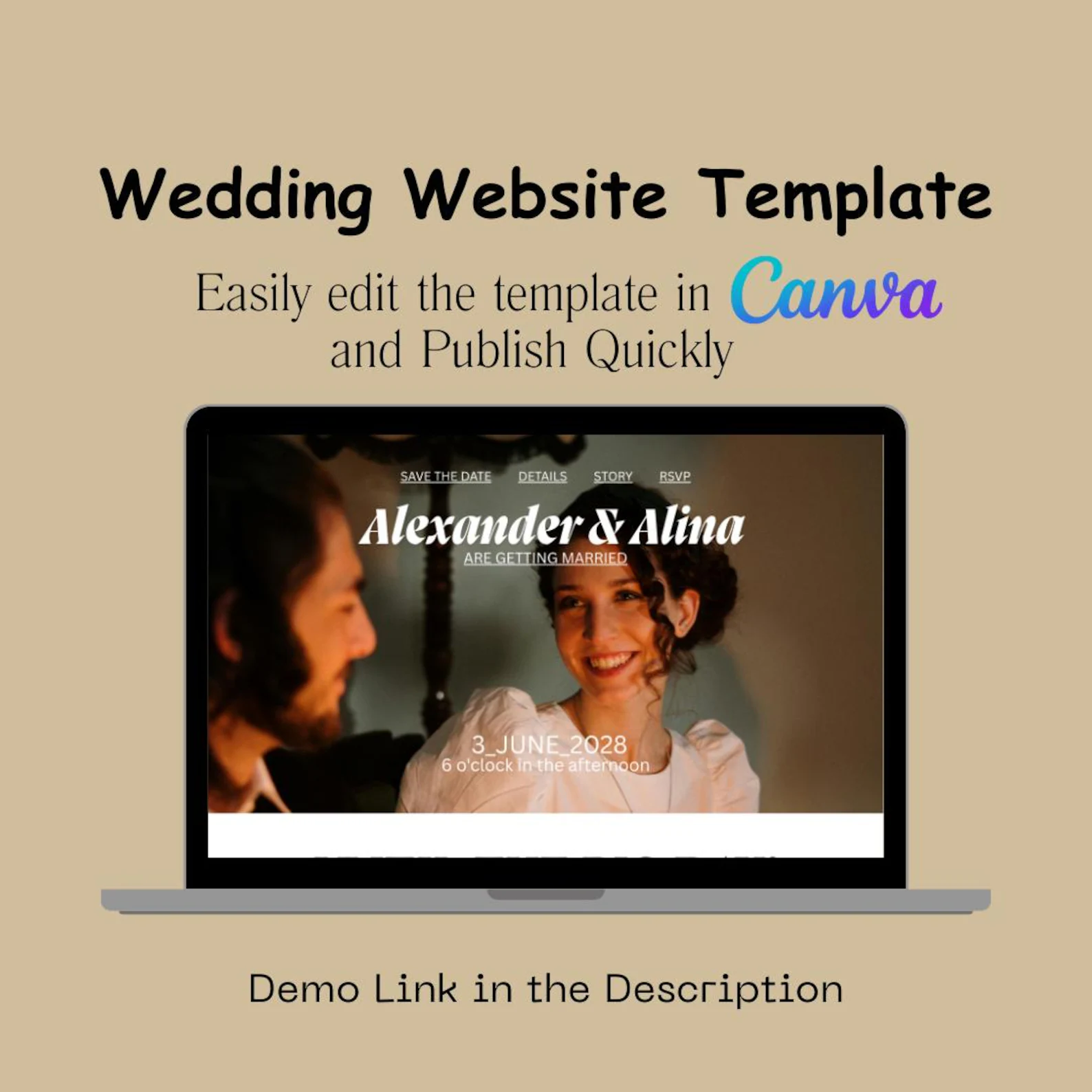
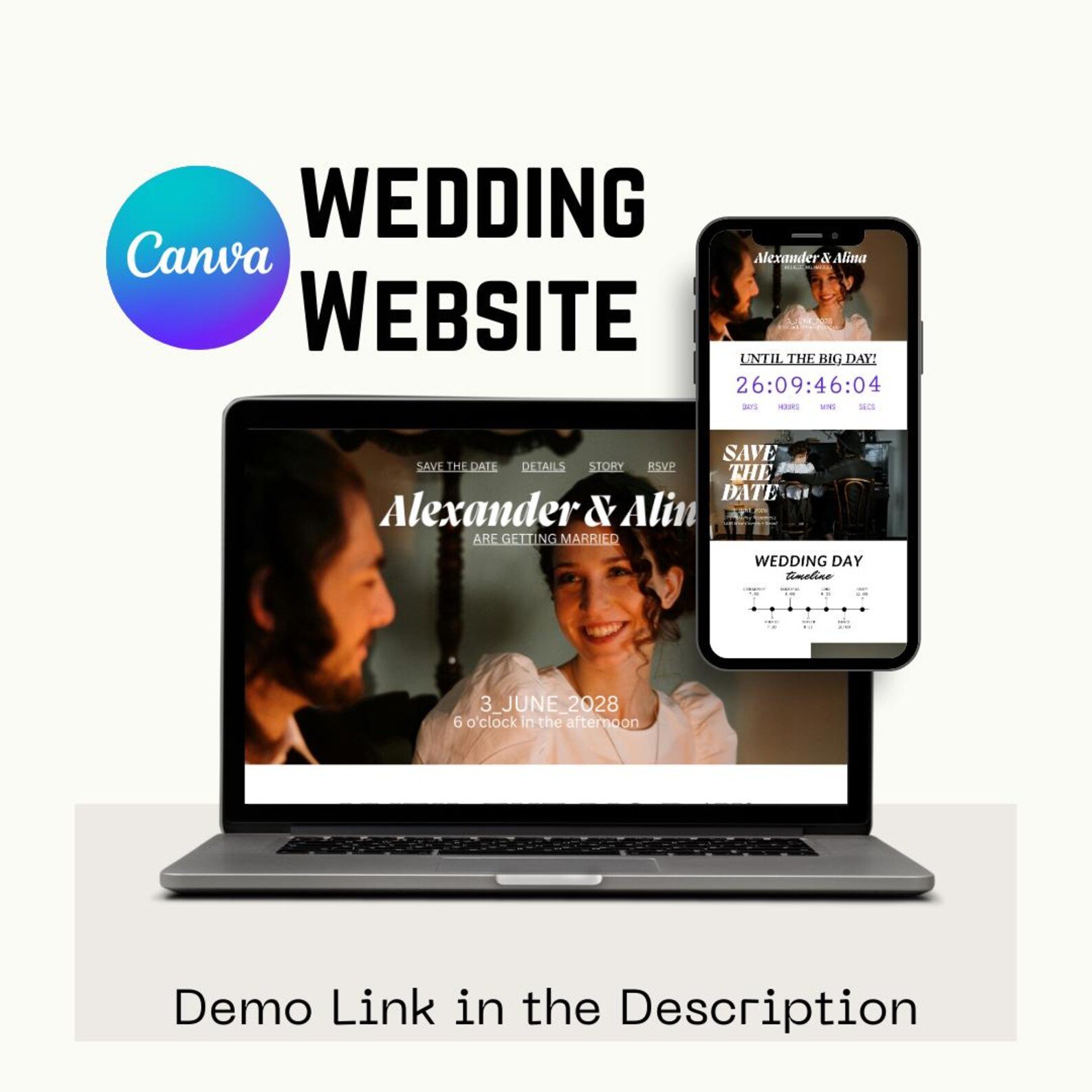
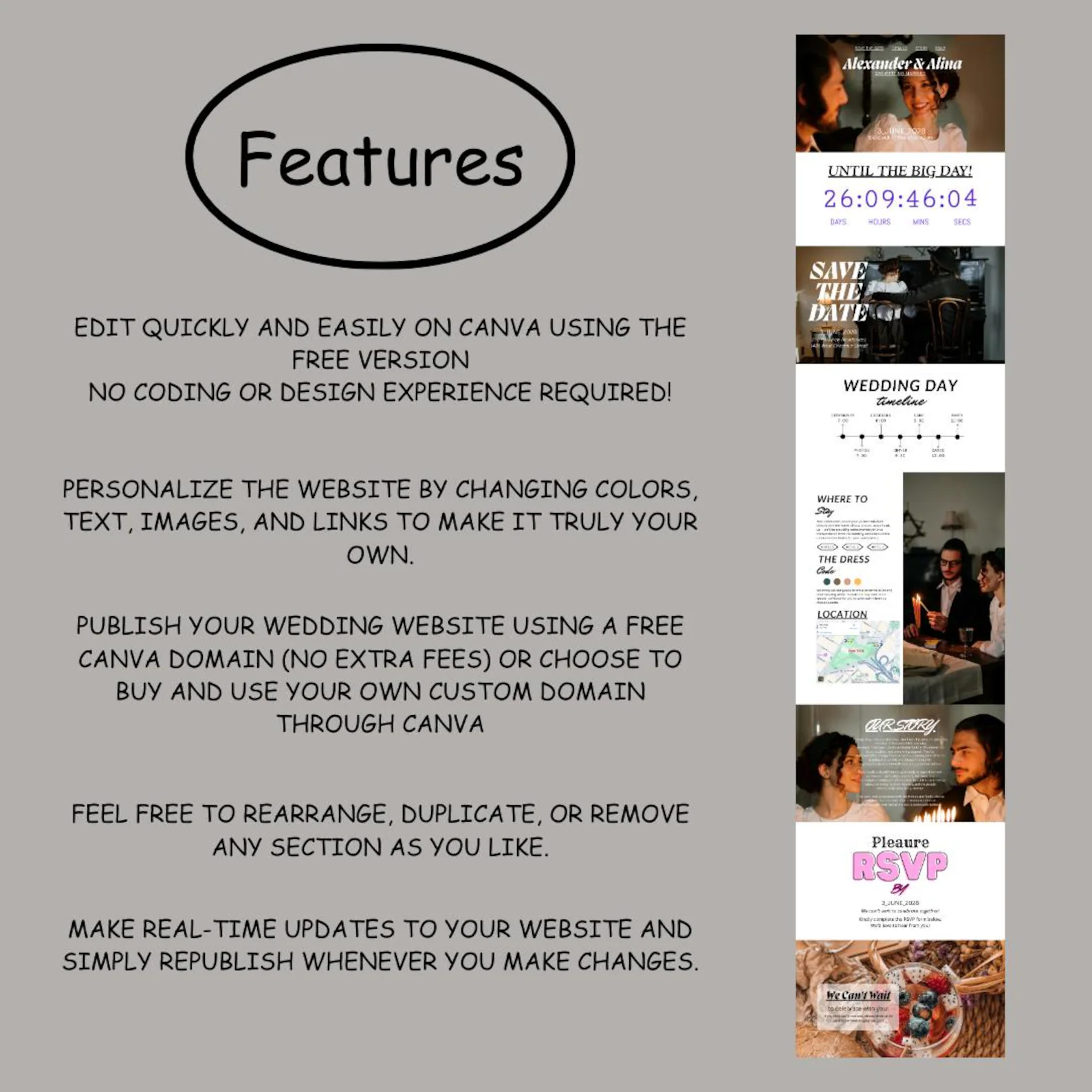
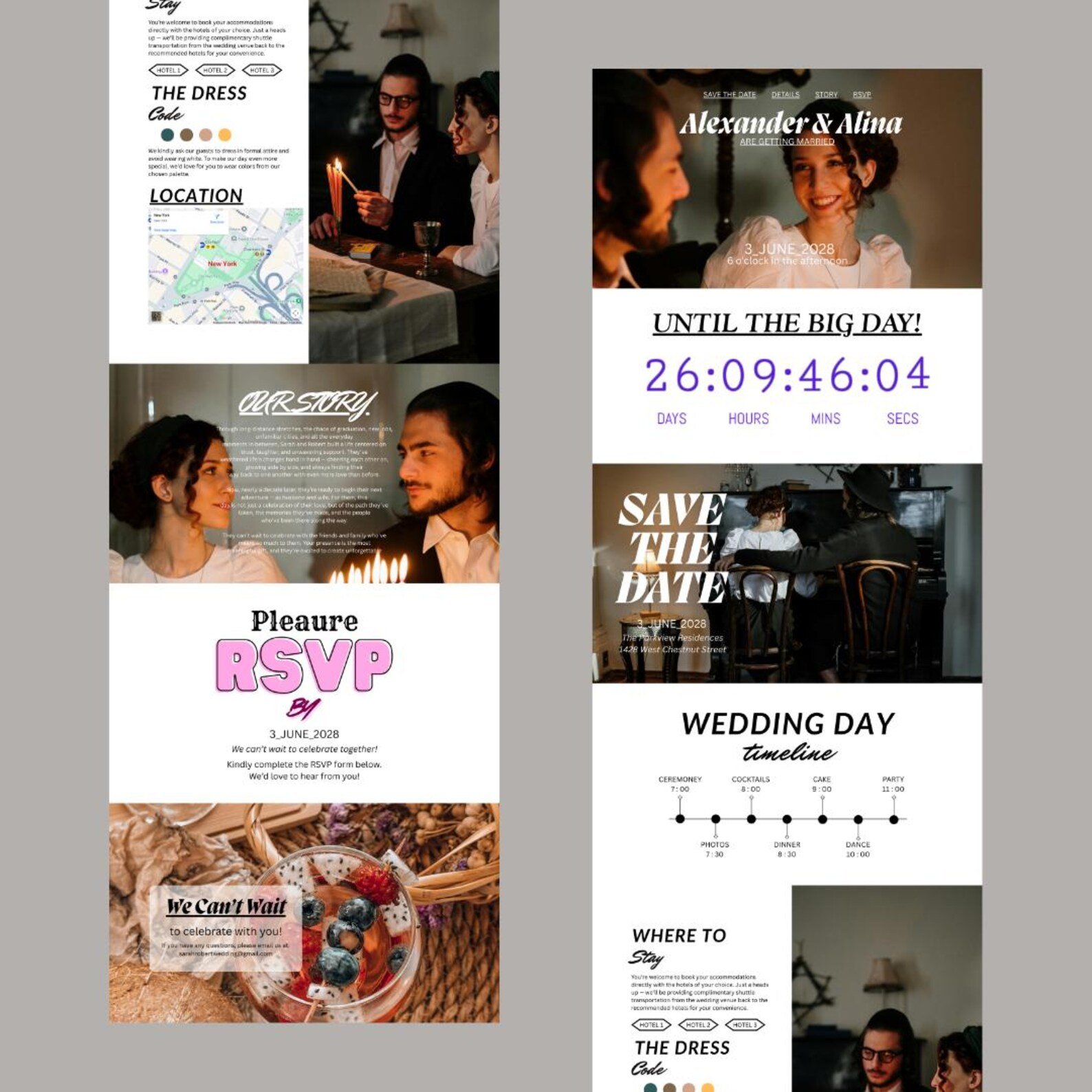

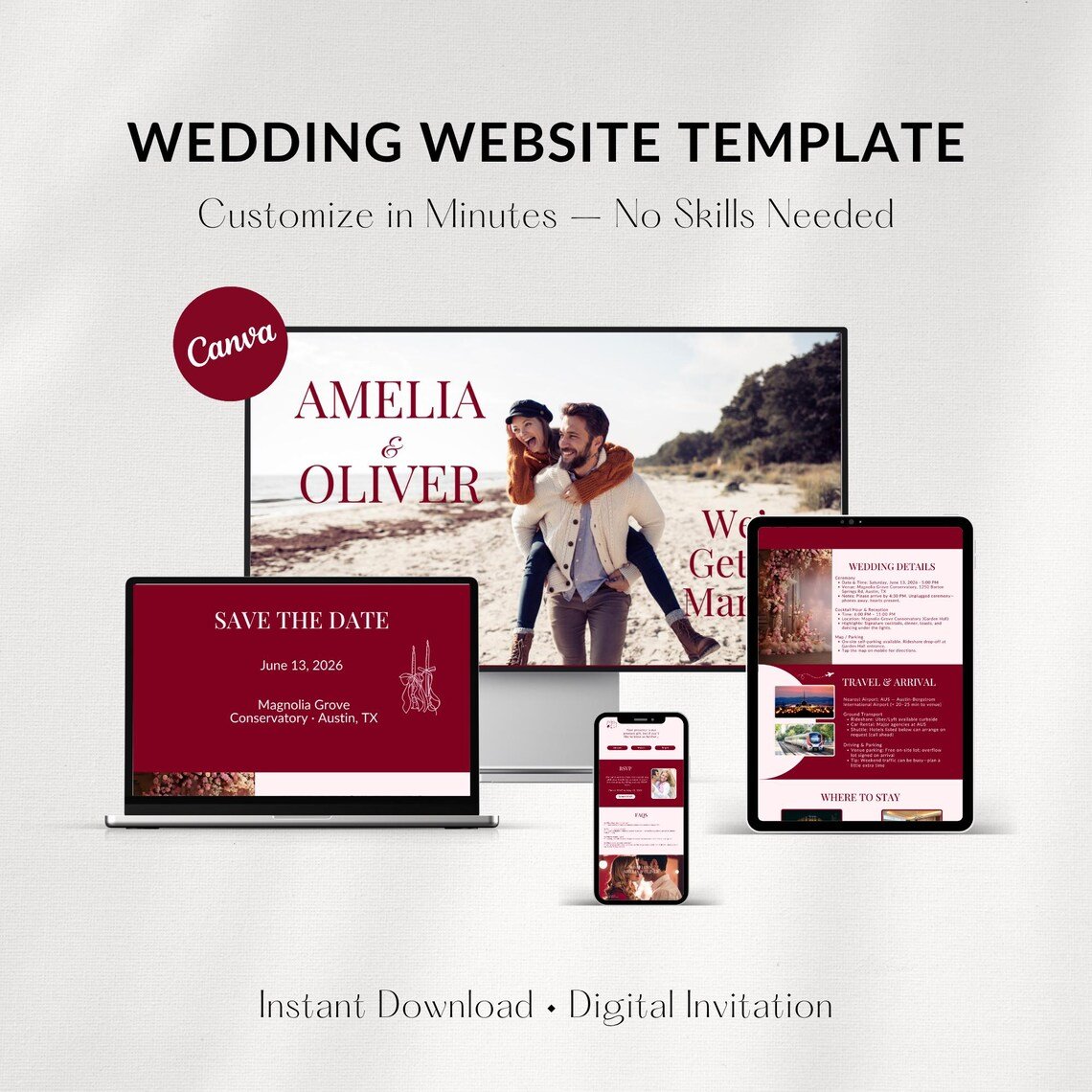
Make your wedding details easy to share and beautiful to view. This Wedding Website Template is designed in Canva, so you can edit everything quickly — text, colors, photos, links, and sections — then publish using a free Canva domain or connect your custom domain.
Perfect for couples who want a modern wedding website without paying monthly website builders.
What’s Included
You’ll receive:
-
1 Canva Wedding Website Template (single-page scroll style)
-
Sections included (based on the template):
-
Hero / Landing (Names + Date)
-
Countdown Timer
-
Save the Date
-
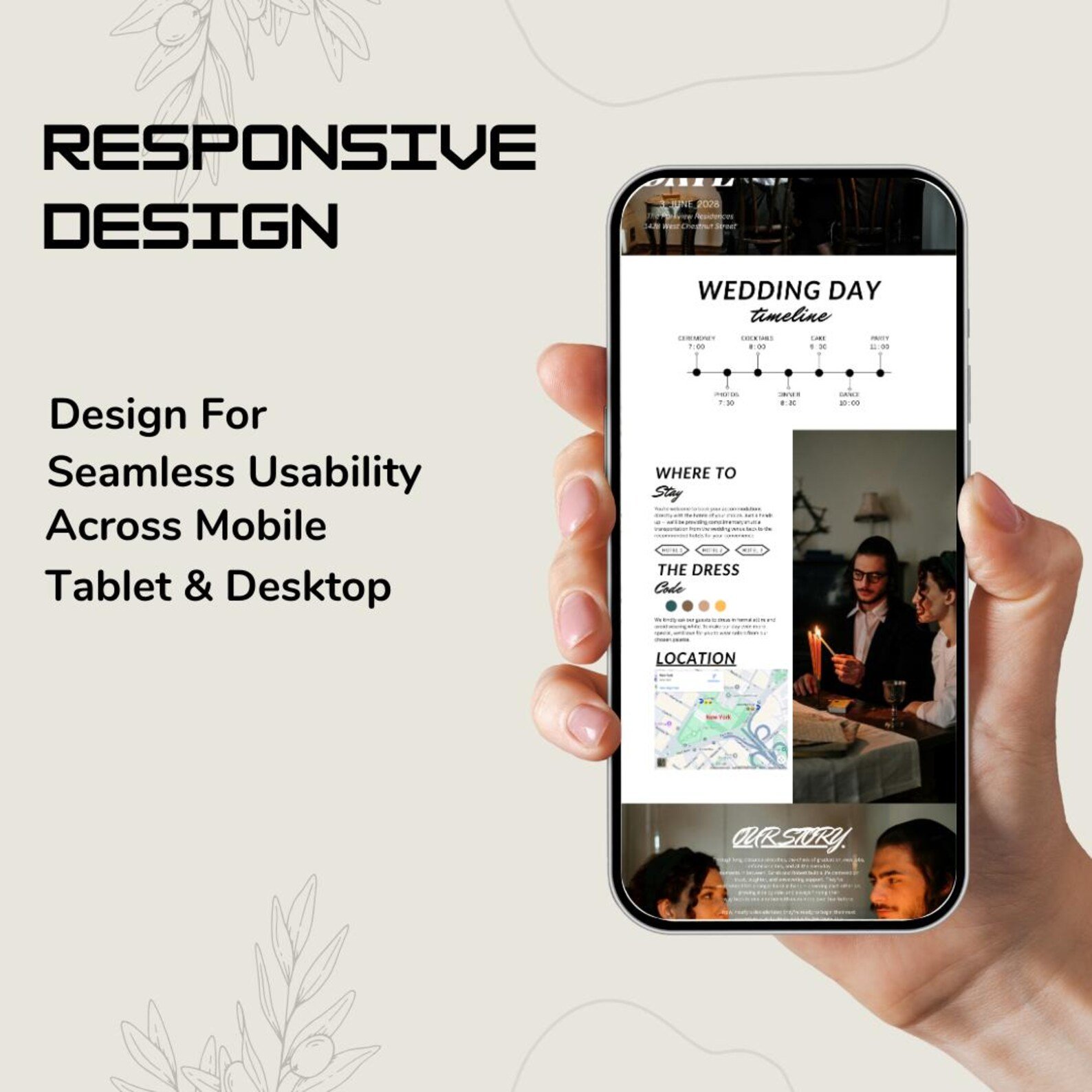
Wedding Day Timeline
-
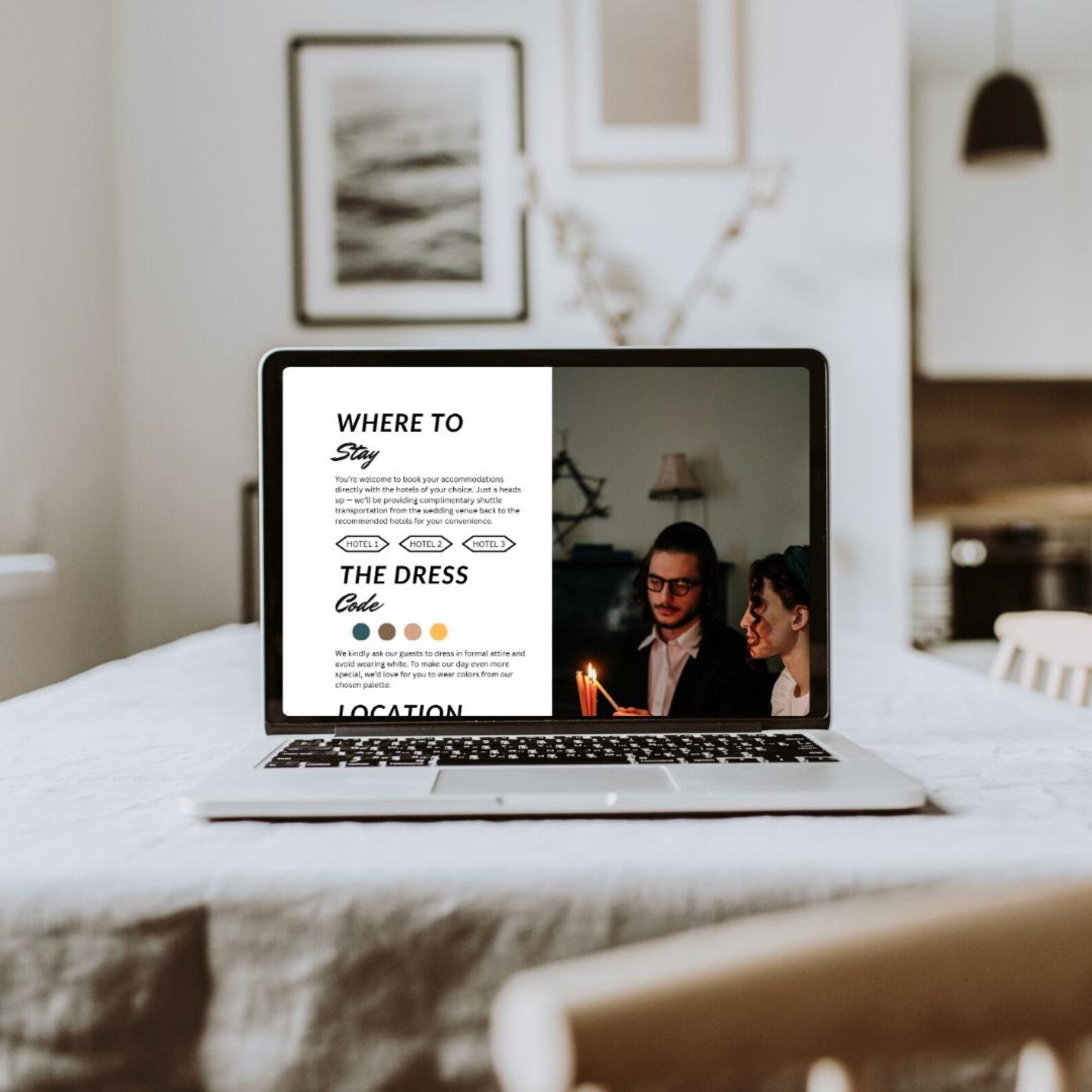
Where to Stay
-
Dress Code + Color Palette
-
Location + Map Embed Area
-
Our Story
-
RSVP section (button/link area)
-
Filipino Wedding Entourage section (editable list)
-
✅ Fully editable in Canva Free
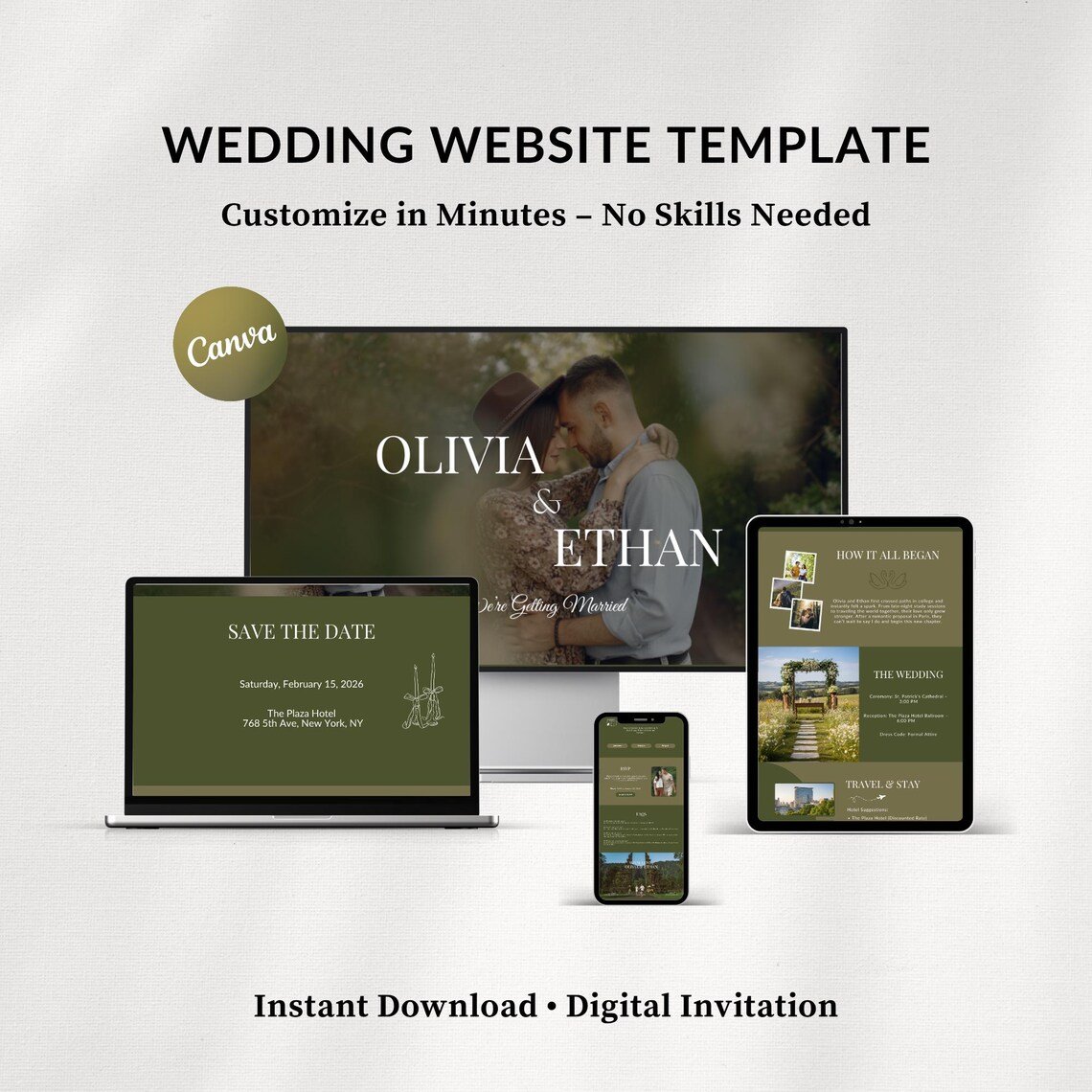
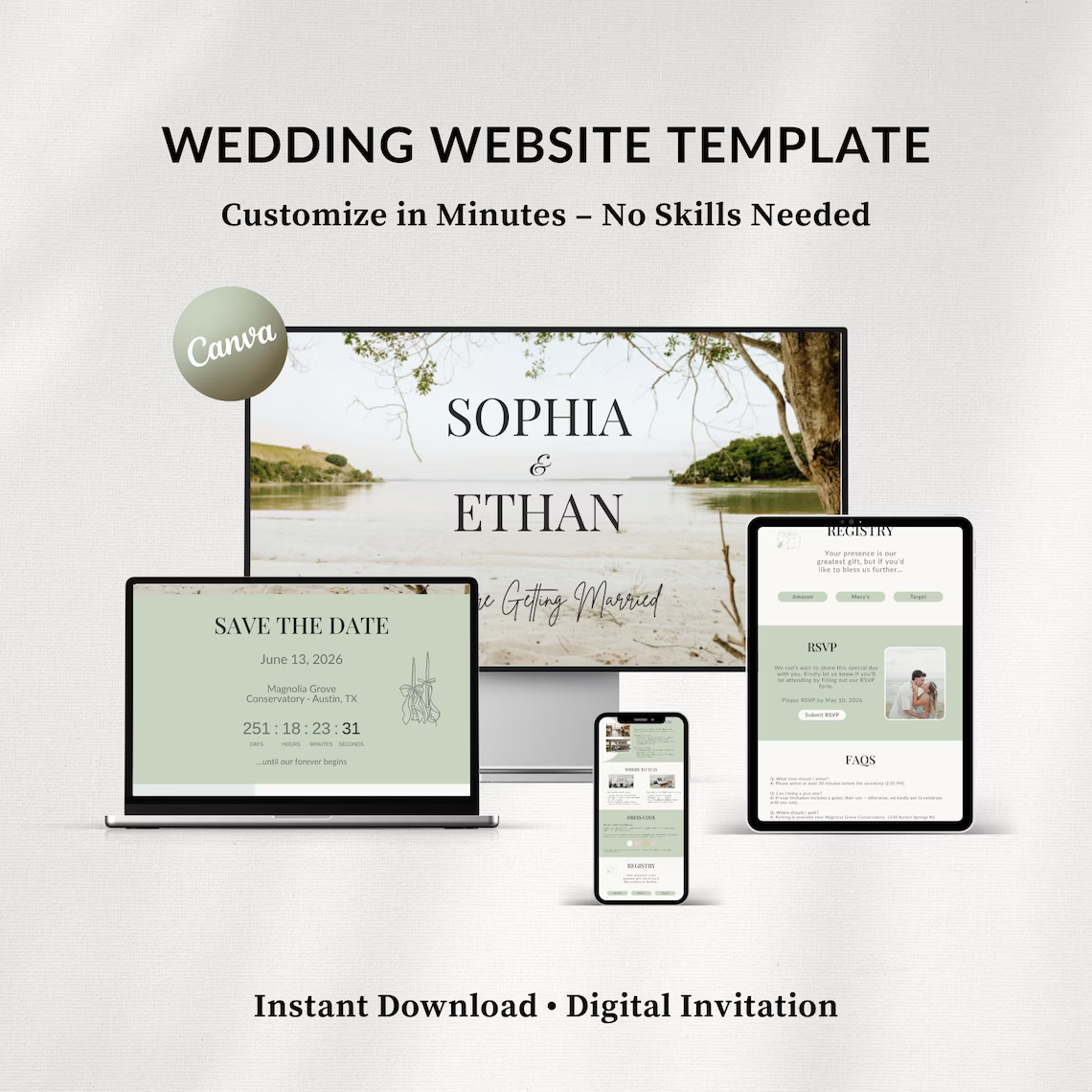
✅ Designed for mobile, tablet, and desktop
✅ You can rearrange, duplicate, or remove sections anytime
Filipino Wedding Entourage Section (Editable)
This template includes a dedicated section for Philippine-style wedding entourage, such as:
-
Principal Sponsors (Ninong/Ninang)
-
Best Man / Maid of Honor
-
Groomsmen / Bridesmaids
-
Secondary Sponsors (optional)
-
Flower Girl / Ring Bearer / Bible Bearer / Coin Bearer (optional)
-
Parents of the Bride & Groom (optional)
You can add/remove roles depending on your ceremony style (Catholic, Christian, civil + reception, etc.).
How It Works (Simple Steps)
-
Purchase this listing
-
Download the PDF instruction file from your order
-
Click the Canva template link inside the PDF
-
Select Use Template → create your own copy
-
Edit text, images, and links
-
Publish via Canva Website (free Canva domain) or connect your custom domain
-
Share your website link with guests 🎉
Personalization Options
You can easily update:
-
Names, date, ceremony/reception details
-
Photos + cover image
-
Colors + fonts
-
RSVP link (Google Form / Typeform / HoneyBook / etc.)
-
Map/location link (Google Maps)
-
Timeline items and times
-
Entourage names + roles
Requirements
-
A free Canva account (works with Canva Free)
-
Internet connection to edit/publish
-
Basic Canva knowledge (drag, drop, replace)
Reviews
There are no reviews yet.